YouVersion’s 2017 21-Day Challenge: You could win an Amazon Fire Tablet!

If you’re like most people who download the Bible App, you installed it because you believe that reading the Bible is important, and you intend to read it more. One of the best ways we’ve found to start a daily discipline is to complete one short Plan after another in the Bible App.

That’s what our annual 21-Day Challenge is all about: helping you start building a daily habit of connecting with God’s Word.

Also, you could win prizes…

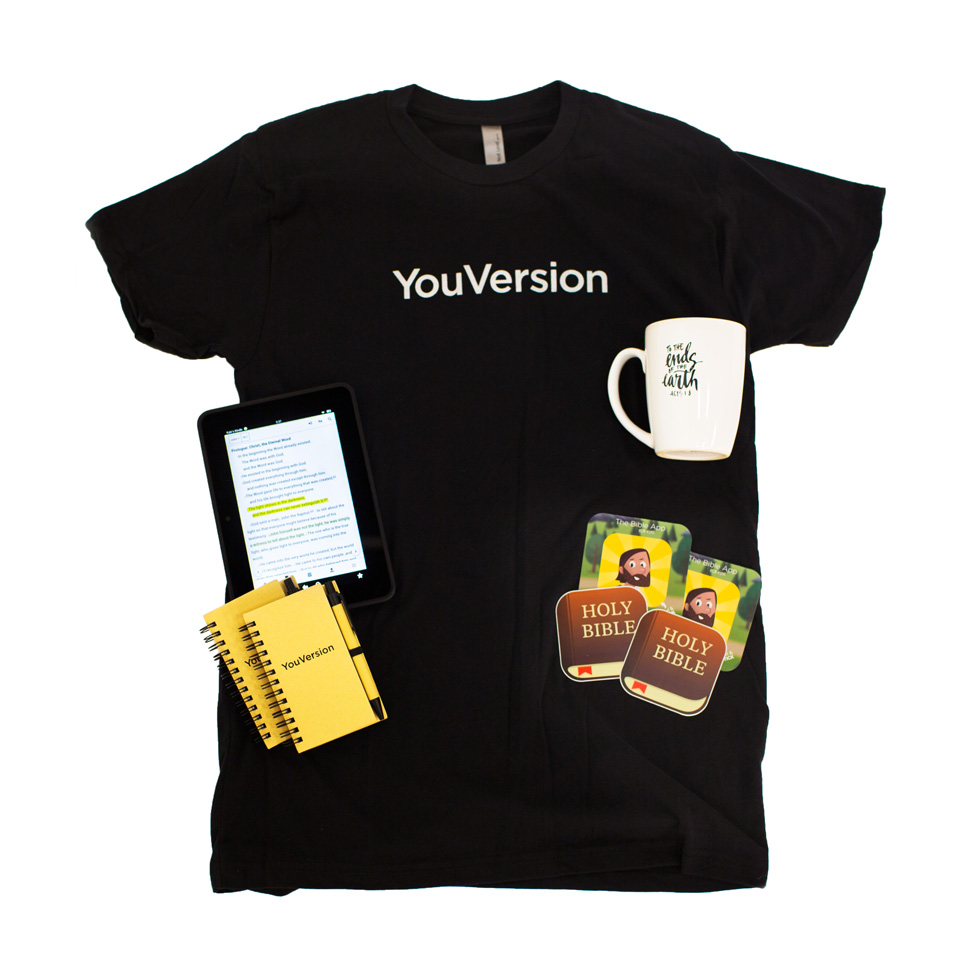
To inspire you, between February 1 and February 21, we’ll be holding drawings where we’ll give away YouVersion T-shirts, stickers, drinkware, and even 7-inch Amazon Fire tablets!1 To be eligible for a drawing, just share a link to the Plan you’re reading that day on Twitter, Facebook, or Instagram, using the hashtag #BibleFor21. We’ll be searching for #BibleFor21 to build our list of entries each day, so make sure you mark your post “Public” so we can see it. (See the Official Rules below.)
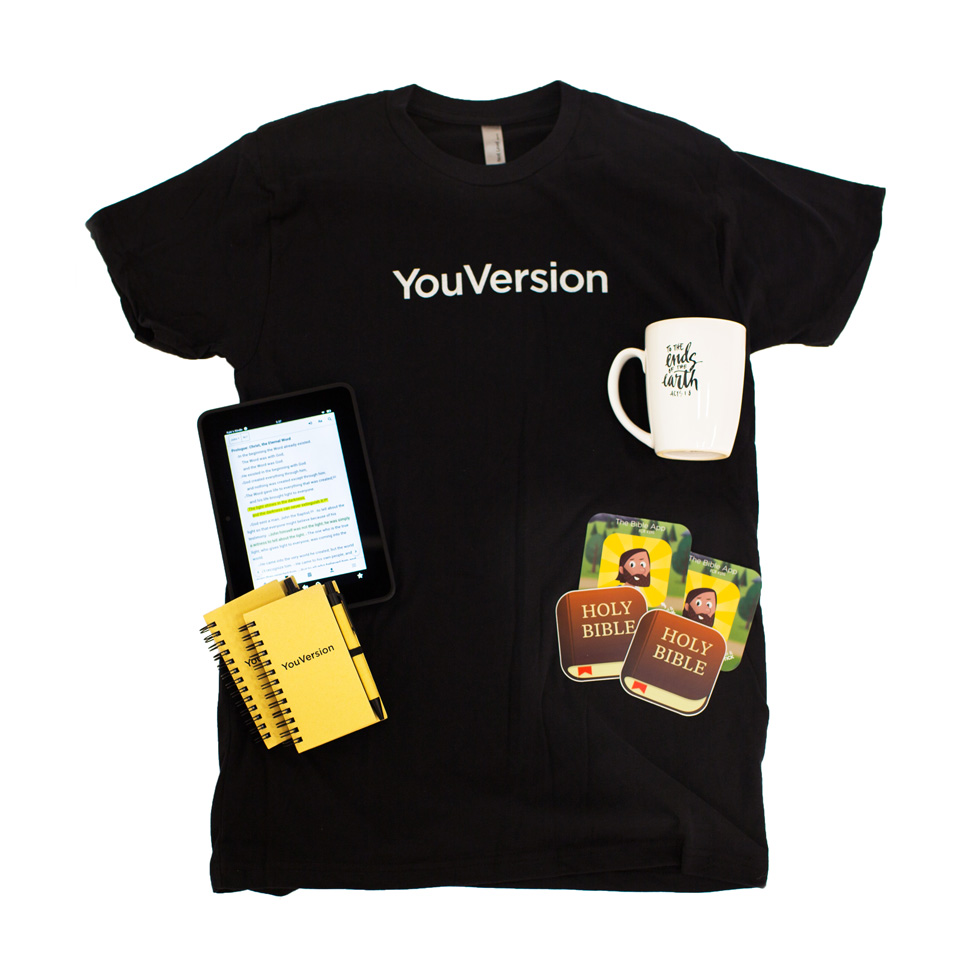
prize-pack

…and maybe even the Grand Prize!

If you complete the day’s selections from at least one Bible Plan each day from February 1 to February 21, you’ll be entered in a special drawing for our grand prize: one of everything — one T-shirt, one sticker pack, one mug, AND an Amazon Fire tablet! (Plus whatever other fun things we can find that will fit in your shipping box.)

And, regardless of whether you win a prize, everyone who completes all 21 days will earn our special, commemorative 2017 21-Day Challenge Badge on their YouVersion profile:

2017-21-day-challenge-badge

(See the Official Rules below.)


Spread the Word.

We’ll be giving away prizes each week all throughout the 21-Day Challenge. Tell your friends, and invite them to join you in the Bible App!

Share

Tweet

Email


Official Rules

📲  Get the Bible App

Make sure you have the Bible App installed on a device (or devices), or on the web at Bible.com, that you will be able to use every day from February 1 to February 21.

✔  Sign Up for a Free Account

If you haven’t already, create your own free YouVersion account (or sign in with Facebook or Google).

📑  Start a Bible Plan

Sign up for a Bible Plan — or for several. We recommend that you browse through Plans that interest you and use Save for Later to collect the ones you want to use for the 21-Day Challenge.

Note: You don’t have to begin a new Plan on February 1. If you already started a Plan before February 1 — or more than one — that’s great! Just keep going, and don’t miss any days. (Keep reading for more.)

🗓  Read Each Day

At least once a day, every day from February 1 to February 21, go to your Plans > My Plans and complete the daily selection for at least one of the Plans you’re subscribed to.

IMPORTANT! Each day when you complete your selections, make sure they get checked off. (More on this in a moment.)

👏🏽  Share Your Progress, Be Entered to Win Prizes

After you complete a day’s reading, inside the Bible App, go to that Plan’s Info page (More icon > Plan Info), tap the share icon (Android Share icon or iOS Share icon) and share your Plan to Twitter, Facebook, or Instagram, and include the hashtag #BibleFor21. Sharing is not necessary to earn your Badge, but it is required to be entered to win one of many prizes we’ll be giving away.

IMPORTANT! When you post on social media, we cannot see posts that are “Friends,” “Private,” or “Only Me.” Make sure that you mark your social media post as “Public” — AND that you include #BibleFor21 — or we won’t be able to see your entry.

1Prizes include YouVersion-branded items such as a T-shirt, stickers, drinkware, tablets, and more. Prizes are subject to change or substitution based on availability. Winners will be contacted with details about how to receive their prizes. Because of some limitations with international shipping, not all items will be available to ship to all countries.

🏅  Earn a Badge!

All users who complete the 21-Day Challenge — reading the day’s selections from at least one Bible Plan each day for all 21 days (February 1 to February 21) — will receive their special commemorative badge in the Bible App. (No Twitter, Facebook, or Instagram posts required.)

IMPORTANT! Badges will be automatically awarded based upon days checked off each day during the Challenge. This is why it is so important that you ensure that each day’s reading is ACTUALLY CHECKED OFF, EACH AND EVERY DAY of the Challenge. We cannot award badges to users who miss checking off any days DURING THE CHALLENGE.

Note: If you already started a Bible Plan before the 21-Day Challenge begins on February 1, that’s great! Just keep going, and make sure you complete at least one day, every day, between February 1 and February 21 — and that each day gets checked off.


Now let’s get you started.

If you haven’t signed up for your next Bible Plan yet, this year’s 21-Day Challenge is just one more great reason to start! With thousands of Plans to choose from, we know that you’ll discover several that you’ll enjoy.
Discover Plans

Share this post:

It’s almost here: The 21-Day Challenge returns!

2017-21-day-challenge-badge-blog

Just three weeks of consistent behavior can carry you well on your way to a new habit. That’s why we created the annual 21-Day Challenge: to help you keep engaging with the Bible every day. Start a new Bible Plan now… and start each day in this new year with a fresh perspective.


prize-pack

Here’s how it works.

Beginning February 1, complete at least one day of one Bible Plan every day for 21 days, and you’ll earn our special 2017 21-Day Challenge badge, and be eligible for exciting prizes.

You don’t have to do just one Plan that’s 21 days (or more). You can do a series of shorter Plans, one after the other. Just make sure you complete at least one day of at least one Plan for every one of the 21 days!1

1 This is the short version. We’ll post the complete list of official rules on our blog soon.

Start by finding some Plans.

The 21-Day Challenge begins in just a few days, so we recommend that you start looking now for the Plans you’ll want to do during the Challenge. When you find a Plan you think you’d enjoy, open it and tap “Save for Later.” Then, remember to start your Plan on February 1!

Discover Plans

Share this post:

7 Tips in 7 Days: Get More in God’s Word

Start your 2017 with a new Bible habit.

Voices influence you every day: friends and family, news and entertainment, self-improvement articles and “life hacks” — even your own thoughts. What if you could make God’s voice the one you listened to most? The Bible is God’s inspired Word to us. It teaches us what’s true, helps us see things in our lives that we know we should address, and empowers us to discover more purpose, more fulfillment. Jesus said:

“I have come so that [you] may have life and
have it in abundance.”

John 10:10b HCSB

Distractions constantly compete for our attention, making it hard to find quiet spaces where we can hear his voice. And that’s why we do what we do. We never stop exploring new ways that we can help people engage more with God’s Word — people just like you. Each day for the next seven days, we’ll share one tip — one simple thing that you can do right then — that will help you start connecting with the Bible more consistently. Here’s the first one:

Tip 1: Start a Bible Plan

Tip 1: Start a Bible Plan

Browse our Bible Plans for topics where you’d like to learn God’s perspective. Each Plan divides its content into relevant Bible passages that you can read (or listen to) in just a few minutes each day. Many also include ideas or questions that help you think about how you can apply the things you’re learning. You may have heard these called Reading Plans or Devotionals. We call them “Bible Plans” because many offer additional content beyond reading, such as short videos, audio clips, or images. Whatever you call them, Plans are a proven way that you can start making the Bible a natural part of your everyday life. Our “Discover” tool makes finding Plans you enjoy easy and fun:

Start Starting

🙏 Set yourself up for success:
When you’re just starting out, we recommend that you choose Plans that are two weeks or less, and then gradually add longer, more challenging Plans as your daily habit begins taking hold. Most importantly, each day before you start your Plan, ask God to speak to you through his Word.


Tip 2: Enjoy the Bible with Friends

Tip 2: Enjoy the Bible with Friends

What do you and your friends usually end up talking about? The television shows you’re binge-watching? Things that you’re thinking about buying? Sports? Celebrity news? Do you ever talk about big(ger) ideas? Something you heard recently that challenged how you see the world? You started a new Bible Plan yesterday. Today, invite a friend (or several) to join you. Then let that experience you’re sharing begin to fuel more meaningful conversations. As you and your friends explore one another’s perspectives, you’ll all discover new things in God’s Word that you might not have noticed on your own.

Start Connecting

The Bible is better with Friends!


Tip 3: Watch Bible Stories in Videos

Tip 3: Watch Bible Stories in Videos

A couple of days ago, we mentioned that many Bible Plans offer additional content beyond reading, including audio and video. The short clips inside a Plan specifically address that Plan’s topic. The videos in the Bible App’s Video section, on the other hand, are more like a “Bible Channel,” offering you many different ways to experience the Bible. Animated short films from the Bible Project help you understand what’s in the Bible and why, revealing the bigger story that God is telling through his Word. Select clips from Lumo Project’s “The Gospel of John” and from Lightworkers Media’s Son of God let you witness historical events from Jesus’ life. Enjoy scenes from the record-breaking television series The Bible. You’ll even find the complete feature-length version of JESUS, a classic telling of our Savior’s life story. See the Bible in a whole new way:

Start Watching

For your best Video experience:
Watching Bible App Videos while connected to WiFi does not use your mobile data plan.


Tip 4: Listen to the Bible with Audio

Tip 4: Listen to the Bible with Audio

Do you ever think about how fortunate we are to have so many options for experiencing the Bible? In the English language, most of us have the luxury of choosing our “favorite” version. Early Christians — the ones who knew how to read — might have one hand-written copy of a letter written to their group by one of the apostles. More often, believers could only experience Scripture by meeting together to listen as someone read aloud to them. Audio versions let us experience the Bible as they did, by hearing. Just tap on any Bible version where you see a speaker icon. Then, as you listen from the convenience of your commute , your workout ‍, your job ☕️, your couch — just imagine: you’re very likely listening along with other believers , even though you’re in different places.

Start Hearing

Keep in mind:
Listening while connected to WiFi does not use your mobile data plan. All Bibles that feature audio have a speaker icon next to them. To see all available versions, just tap your current Bible version.


Tip 5: Create a Verse Image and Share

Tip 5: Create a Verse Image and Share

You’ve been getting more into the Bible for a few days now. Have you felt it speaking to you yet? It has the power to inspire deep spiritual responses: Joy. Encouragement. Conviction. Gratitude. Peace. When something special happens, you capture the moment with a photo . When God’s Word touches your heart, capture the moment with a Verse Image . To begin, just tap the verse, then Image, then follow the prompts. It only takes a few steps to perfect your personal expression of Bible art. When you’re finished, share it with friends!

Start Creating

Watch for hidden treasures:
Sometimes when you tap on a passage, you may discover that a professionally-designed Verse Image is already linked to it. (Every Verse of the Day has one.) These digital artworks are a free service that we provide, so you’re more than welcome to share them. (Although, we also love seeing the Bible inspire your original creations.)


Tip 6: Highlight, Bookmark, and Create Notes

Tip 6: Highlight, Bookmark, and Create Notes

Personalize the Bible text in your Bible App with highlighting, placeholders, and even your thoughts and ideas. To start, tap any verse. On the menu that pops up, tap a dot to create a Highlight in that color. (Swipe left for more Highlight colors and options. To remove a Highlight, tap the Highlighted verse, then tap the Highlight dot with the “x”.) Add a Bookmark, so you can easily come back to that verse again later. You can even add Notes to verses. When you create a Note, tap Options to mark it as Private (the default — where only you can see it), Friends (only your Bible App Friends can see it), or Public (any Bible App user can see it). Each time you read, make your Bible App more “yours.”

Start Personalizing

Tap your curiosity:
When you tap on a Bible verse, you’ll notice other options besides Highlights, Bookmarks, and Notes. Don’t be afraid to explore. ⛵️ Anything you do with this menu, you can easily “Undo.” Experimenting is one of the best ways to learn everything the Bible App can do for you. ⚗


Tip 7: Compare Versions

Tip 7: Compare Versions

What should you do if you’re having a hard time understanding the meaning of a verse? Or what if you come across a verse that feels like you’ve heard it before, but it’s somehow just not quite the way you remember it? Fortunately, it’s easy to look at a verse in several different Bible versions, listed one right after another: Tap on the verse, then Compare. You’ll see the same verse repeated in all of the Bible versions you’ve used recently. Tap the plus button (+) to add more versions to the list. To remove versions from the list, or to rearrange the order in which they appear: Android: Tap the Settings gear icon. iOS: Tap Edit.

Start Comparing

Take it offline:
Many Bible App features work even when you’re not connected to the Internet. But, if you’d like more than one Bible version when you’re offline, you’ll first need to download some to your device when you’re online. Sometime when you have a good connection, tap the 3-letter version code at the top of the Bible Reader. Tap “Download” next to the Bibles you’d like. (Note: Some Bibles not available for offline use.) ¯\_(ツ)_/¯


bonus-tipSchedule “Hear from God”

What’s the best way to lock in a habit and really make sure you stick to it? Put it on your calendar. When you really like a show, you make arrangements to watch it. We intentionally find time for the things we value. You already set a goal of connecting with the Bible more — now set the appointment. It’s okay if you’ve missed a day here and there in the past. But today is a new day. Set yourself up to succeed going forward. Schedule a daily time for God to speak to your heart through his Word:

Set a calendar reminder to pop up every day at a time that works for you.

You can also subscribe to receive the Verse of the Day, bringing God’s Word to you. Just choose the language you want, then the Bible version, then the time of day.


You have a great start.

Now keep going. ☺️

Enjoy God’s Word… every day.

Share this post:

The Best Apps for Your New Devices

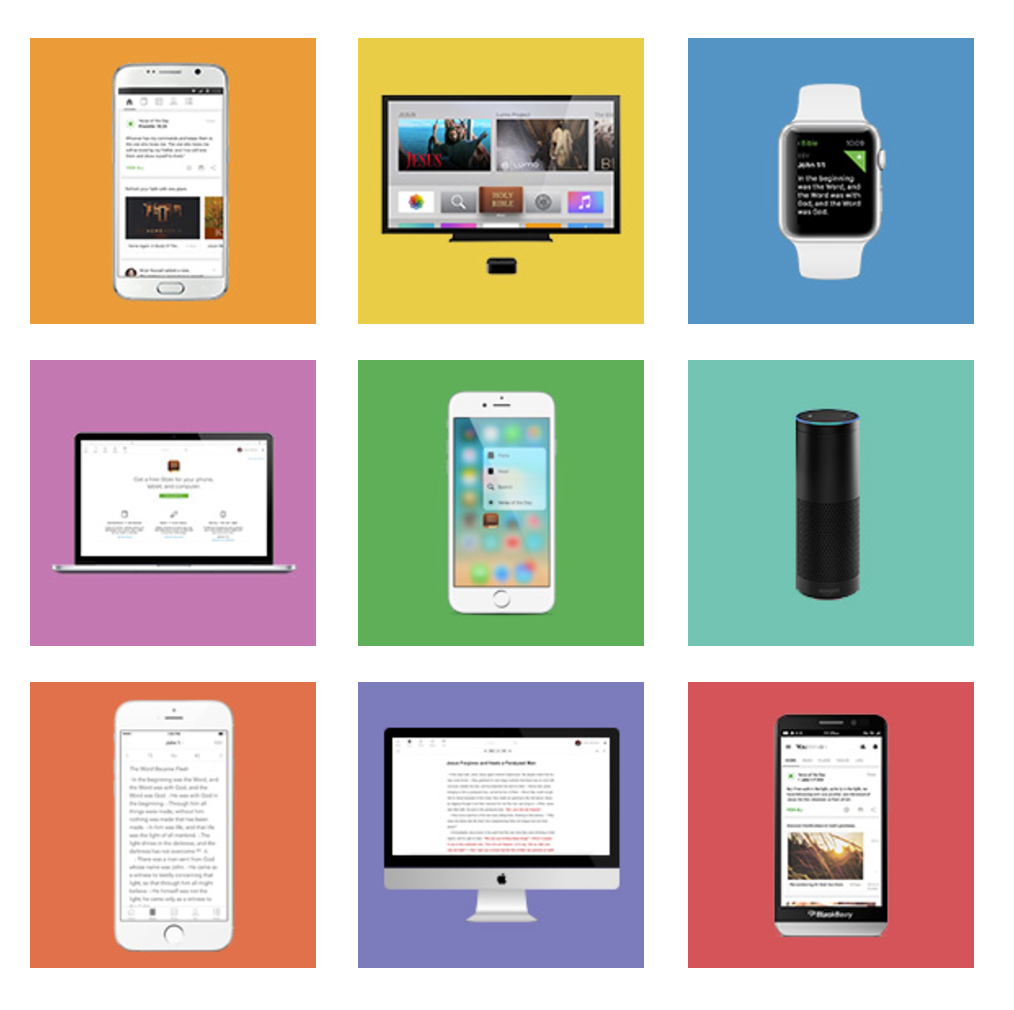
family-of-devices

For your family of devices…

If your family received new tablets or mobile devices for Christmas, be sure you install the apps that can help you get the most out of them: the Bible App and Bible App for Kids! Looking for a great conversation-starter about your faith? Consider asking friends and family if they’d like you to install one (or both) apps for them!


New Bible App icon

The Bible App

The Bible App has been installed on more than 250 million unique devices, all over the world. In addition to offering more than 1,400 Bible versions in over 1,000 languages, the Bible App now features more than 2,400 Bible Plans across dozens of languages. Plans help you build a Bible habit by bringing you select Scriptures each day, and adding context that helps you understand what you’re learning. And the Bible App is always free.

www.bible.com/app


bafk-app-icon

The Bible App for Kids

In partnership with our friends at OneHope, we designed the Bible App for Kids to help children engage with the big stories of the Bible through activities and fun, interactive animation. Available in 25 languages — with more still to come — the Bible App for Kids is being enjoyed by children all over the world. Installed on over 14 million devices, the Bible App for Kids is always completely free.

www.bible.com/kids


From our family… to yours.

The Bible App and the Bible App for Kids are both completely free — no ads, no strings attached. We designed the Bible App for Kids specifically to help your children fall in love with God’s Word. And we designed the Bible App to help you connect with God’s Word every day. No matter where you live, which language you prefer — or even what age you are:

YouVersion. It’s Your Bible.


heart

Considering an end of year gift?

Our mission is helping people connect with God’s Word every day. Click here to become a part of what we’re doing all over the world.

Give

Share this post:

Merry Christmas from YouVersion

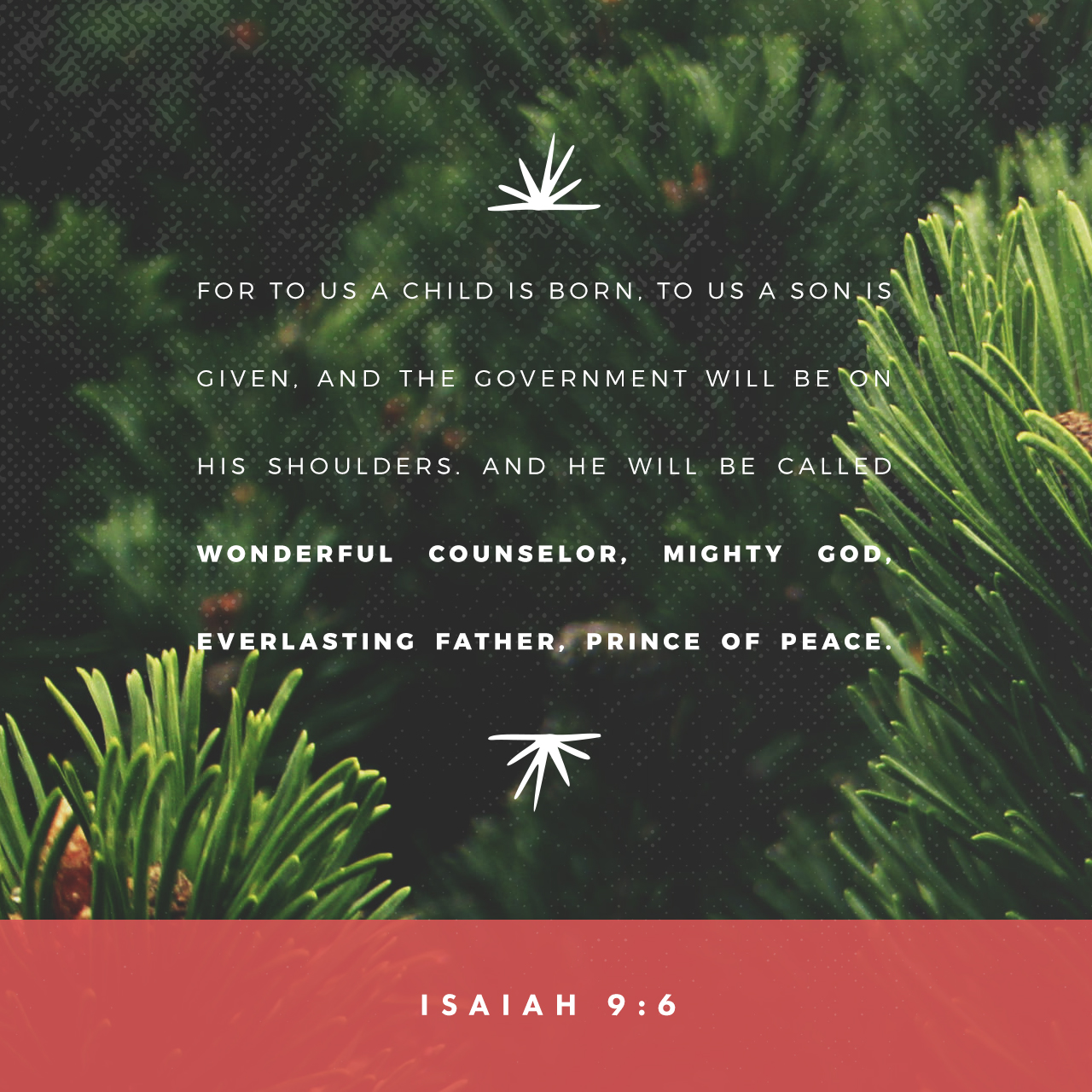
1280x1280

Merry Christmas from YouVersion!

From all of us here at YouVersion, we wish you the very best this Christmas. We hope you take many opportunities throughout this season to celebrate the gift that God gave us in his son, and to reflect on all that it means, for the Bible calls him:

Immanuel, “God with us”


Share the love. It’s easy.

If you get to spend time with friends and family this holiday season, we hope you’ll make the most of every opportunity to share your faith. Show people how you use your Bible App — and how much fun the Bible App for Kids is. Invite them to join you as Friends in the Bible App. You can even share verses and Verse Images about Jesus’ birth on your favorite social networks.

…if someone asks about your hope as a believer, always be ready to explain it. But do this in a gentle and respectful way.
1 PETER 3:15–16 NLT

Christmas Verse Images

1189_320x320 Therefore the Lord himself will give you a sign: The virgin will conceive and give birth to a son, and will call him Immanuel.

ISAIAH 7:14

 1187_320x320  “…And she will have a son, and you are to name him Jesus, for he will save his people from their sins.”

MATTHEW 1:21

565_320x320 “Christ Jesus came into the world to save sinners.” This saying is true, and it can be trusted. I was the worst sinner of all!

1 TIMOTHY 1:15 

Share this post: